Hello, lovely WordPress folks!
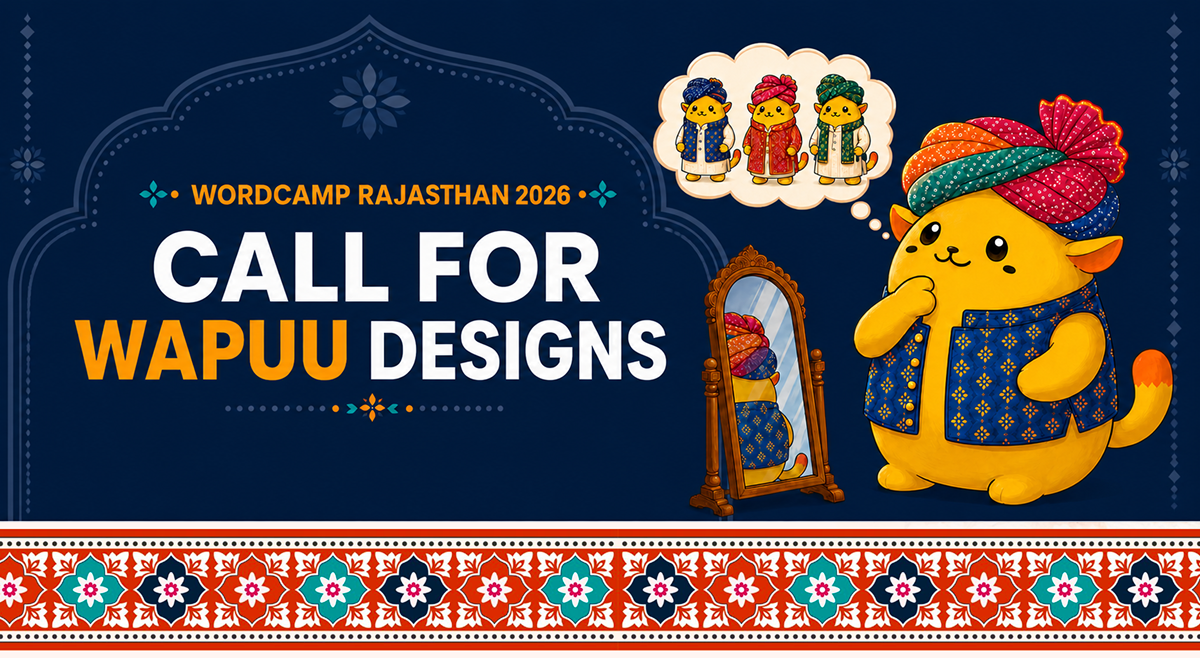
Our Wapuu Sa is looking for the perfect outfit, and we need your creativity to make it happen.
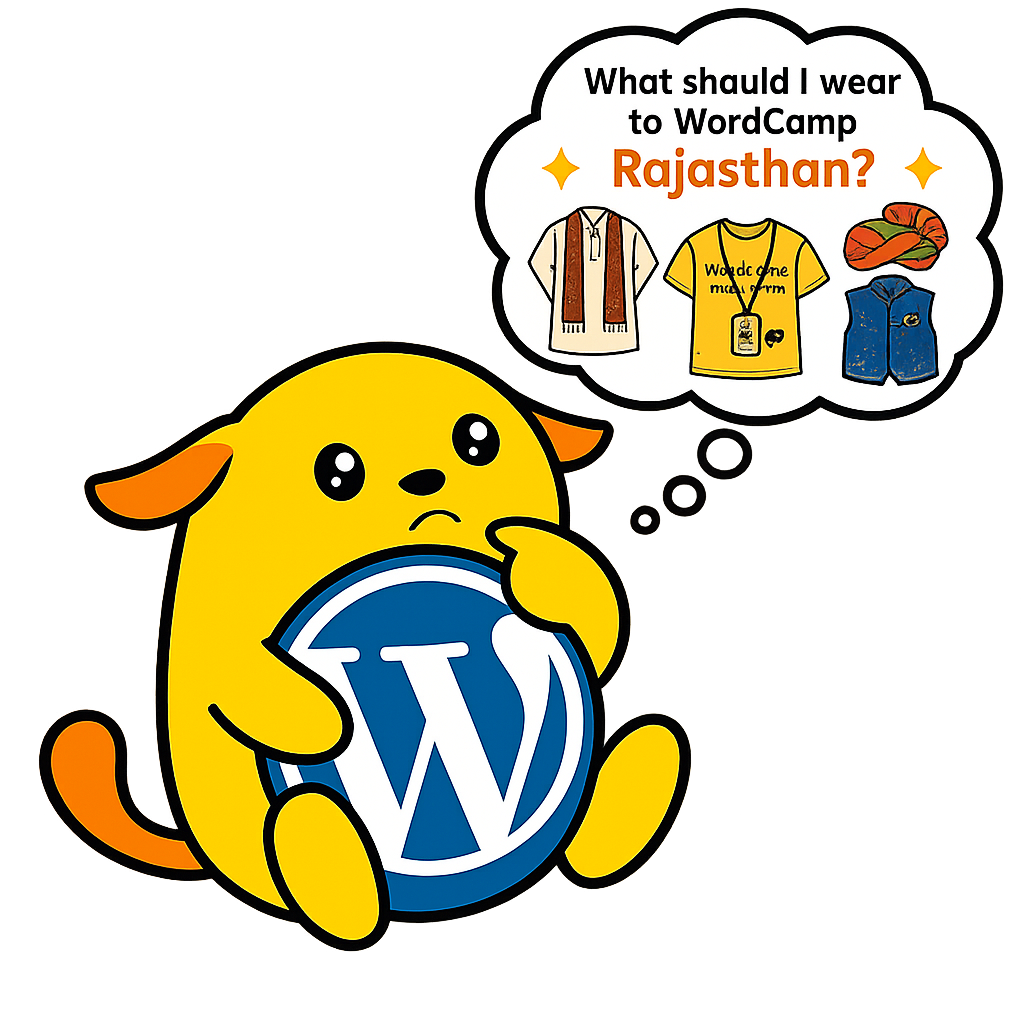
Wait… did we just say Wapuu Sa?
If you’re wondering why we added the “Sa”, here’s a little Rajasthani touch. In Rajasthan, people lovingly add “Sa” (सा) after a person’s name or title as a sign of respect and affection. Since Wapuu is one of the most loved members of the global WordPress community, we thought our mascot deserved the same warmth and respect.
Now it’s your turn to help Wapuu Sa get ready for the very first WordCamp Rajasthan 2026.
If you’re a designer, illustrator, digital artist, or simply a Wapuu fan with a creative idea, we’d love to see your version of Wapuu. This is your chance to create the mascot that will represent WordCamp Rajasthan throughout the event and become a memorable part of its first edition.
Wondering What Wapuu Is?
If you’re new to the WordPress community, you might be wondering what a Wapuu actually is.
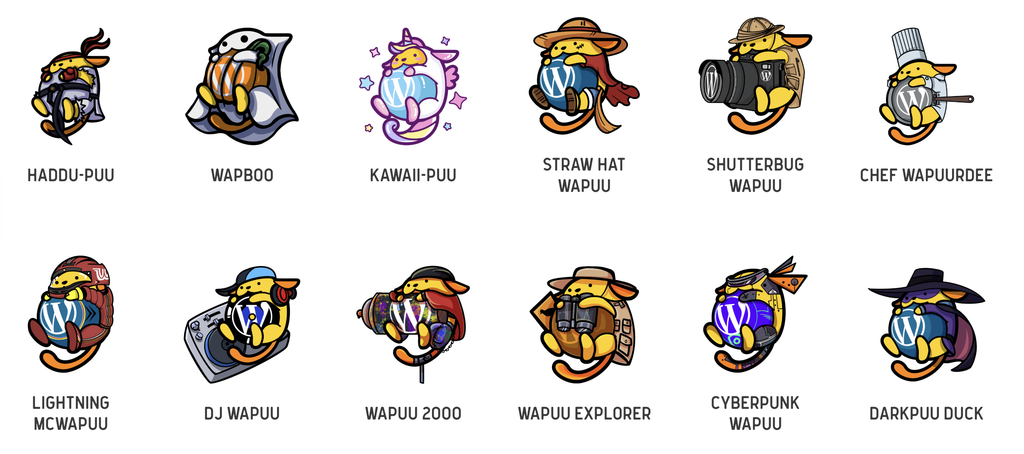
Wapuu is the official mascot of the WordPress community. It is a friendly little character that has appeared in countless creative forms around the world. Every WordCamp gives Wapuu a unique personality inspired by its local culture, traditions, landmarks, or community.
The very first Wapuu was created in 2011 by Japanese designer Kazuko Kaneuchi, and since then, hundreds of regional Wapuus have been created for WordCamps across the globe.
If you’d like to learn more about its history, visit:
Looking for inspiration? Explore Wapuus from WordCamps around the world:
Design the First-Ever WordCamp Rajasthan Wapuu
This year’s Wapuu will represent the first-ever WordCamp Rajasthan, making it a special part of our community’s history.
We’d love to see a design that captures the vibrant spirit of Rajasthan. Think colorful traditions, majestic forts, folk art, music, culture, local attire, desert landscapes, or anything else that reminds you of this beautiful state.
That said, this isn’t a strict requirement.
Your creativity comes first. If you have a completely different idea that uniquely reflects the WordPress spirit, we’d love to see it.
Surprise us!
Design Guidelines
Before submitting your artwork, please keep these guidelines in mind:
- Participation is completely free.
- Follow the official Wapuu design guidelines and keep the essential characteristics of the original Wapuu intact.
- Everyone is welcome to participate. You don’t have to be a professional designer or illustrator.
- You may submit your design individually or as a team.
- Your artwork must be completely original and must not violate any copyright or trademark.
- Designs depicting religious or political figures will not be accepted.
- Submit your design in high-resolution PNG format.
- The selected Wapuu may be adapted by the WordCamp Rajasthan design team to suit different use cases while preserving your original concept.
- Copyright of the selected Wapuu remains with the original designer.
- The winning design will be featured across WordCamp Rajasthan 2026, including event banners, website graphics, social media, merchandise, stickers, T-shirts, badges, and other official swag.
- The WordCamp Rajasthan organizing team will review all submissions.
- Entries will be judged based on creativity, originality, relevance to the event, and overall visual appeal.
How to Submit Your Wapuu Design
Ready to bring Wapuu Sa to life? Here’s how you can submit your design in just a few simple steps.
1. Download the Official Wapuu Base File
Start by downloading the official Wapuu base file from GitHub. This helps ensure your design follows the official Wapuu structure and guidelines.
GitHub Base File: https://github.com/jawordpressorg/wapuu
2. Create Your Custom Wapuu
Please create your artwork in a vector format such as .svg, .ai, or .eps. Vector files make it easier for us to adapt the design for different uses like stickers, T-shirts, banners, and other event materials.
3. Upload Your Design
Once your artwork is ready, upload it to a file-sharing platform like Google Drive, GitHub, or Figma. Make sure the link is accessible so our organizing team can review your submission without any issues.
4. Submit Your Entry
Finally, complete the official submission form and include the link to your uploaded design.
Once your entry is submitted, all that’s left to do is sit back and keep your fingers crossed. We can’t wait to see the amazing Wapuus our community creates!
Ready to bring your idea to life?
Simply create your Wapuu, export it as a PNG, and submit it using our submission form.
Why You Should Participate
Designing a Wapuu is more than creating a mascot. It’s your chance to leave a lasting mark on the very first WordCamp Rajasthan.
It’s an opportunity to contribute something meaningful to the WordPress community.
If your design is selected, you’ll receive:
- A complimentary ticket to WordCamp Rajasthan 2026, so you can be part of the event and experience the community firsthand.
- An invitation to the exclusive networking dinner, where you’ll get to meet organizers, speakers, sponsors, and fellow community members.
- Recognition on the official WordCamp Rajasthan website and social media channels, with credit for your winning design.
- Your Wapuu will become the official face of WordCamp Rajasthan 2026, appearing across event banners, the website, social media, stickers, T-shirts, badges, and other official swag.
Most importantly, your creation will become a part of WordCamp Rajasthan’s history. Long after the event is over, people will remember the Wapuu that represented our very first WordCamp, and you’ll be the creative mind behind it.
How cool is that?
We Can’t Wait to See Your Creativity
Every Wapuu tells a story, and now it’s time for Rajasthan to tell its own.
So grab your sketchbook, open your favorite design tool, and let your imagination run free. Blend the warmth of Rajasthan with the spirit of WordPress and create a Wapuu that our entire community will proudly call Wapuu Sa.
We can’t wait to see what you create.
Leave a Reply